
Microsoft Access replacement built around your business
An Access application can hold years of operational knowledge: how you price work, allocate people, record costs and produce reports. Replacing it means understanding those rules, not simply moving its tables into a different database.
BSPOKE helps UK businesses assess their existing applications and build practical replacements where change is justified. We start with the work your team needs to do, then agree the technology, migration approach and first phase.
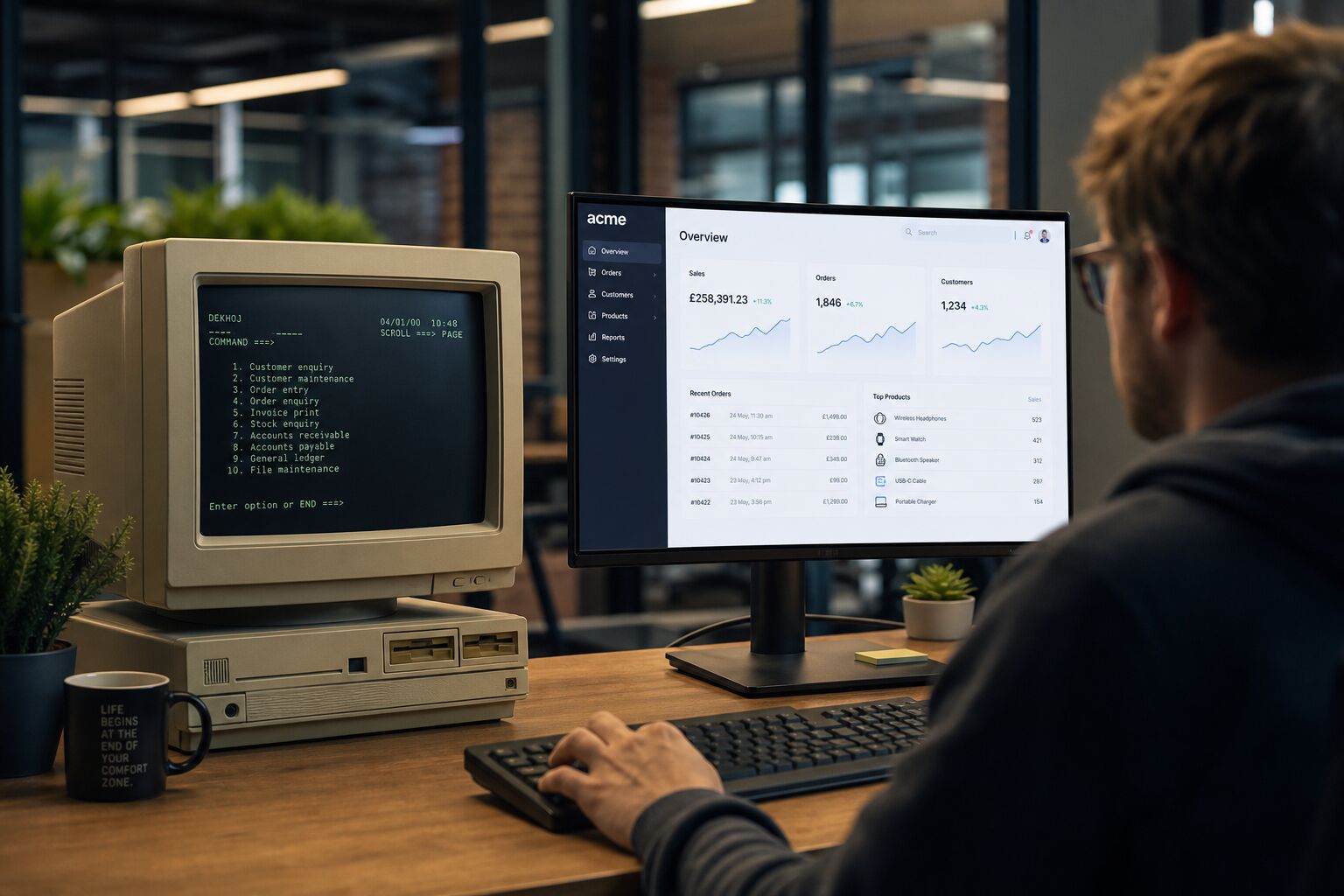
Is replacement the right next step?
Age alone does not make an application unsuitable. If it remains dependable, supportable and appropriate for the people using it, improving or integrating it may be the better investment.
Replacement becomes worth investigating when changes are difficult to make, essential knowledge sits with one person, workarounds dominate the process, or the application no longer supports the access and reporting your business needs. Problems with third-party dependencies or the surrounding infrastructure can also make an otherwise familiar system difficult to maintain.
We compare the practical options: retain and improve what works, replace a particular component, or rebuild the application around your current requirements. The aim is a maintainable system that earns its place in the business.
Understand the application before rebuilding it
The visible screens are only part of the specification. Important decisions may be embedded in queries, macros, VBA, report calculations, import routines and the instructions passed between colleagues.
An assessment covers:
- Tables, relationships, data volumes and the quality of existing records.
- Forms, reports, calculations and the rules behind routine decisions.
- Imports, exports and connections to other applications.
- User roles, access requirements and the tasks different teams perform.
- Dependencies, recurring failures and manual workarounds.
This gives us a basis for deciding what to preserve, what to simplify and what no longer needs to be carried forward.
Desktop, web or cloud: choose around the work
A replacement does not have to be a browser application. A desktop system may suit a specialist office workflow; a web application may make access across locations easier. A combination can be appropriate where office and field teams have different requirements.
Hosting is a separate decision. Connectivity, integrations, permissions, maintenance and the people who will support the system all influence the choice. We explain these trade-offs before committing to an architecture.
Where your wider operation needs to change too, explore our legacy modernisation service or bespoke ERP software.
Plan the move around data and daily work
Migration planning starts before the new application is finished. We identify which records must move, what should be archived, and how information will be mapped into the replacement.
Trial migrations provide an opportunity to find missing relationships, inconsistent values and duplicate records. Your team needs to check representative workflows and reports, as well as record counts and relevant financial totals.
The cutover plan should explain when data changes stop, how final updates are transferred, who signs off the results and what happens if an essential check fails. Where feasible, a phased introduction can reduce the amount of change happening at once. The appropriate fallback arrangements depend on the application and its connections.
Training, documentation and ongoing support form part of the delivery discussion. Any expected interruption should be identified and planned, rather than hidden behind a blanket promise of zero downtime.
Access replacement in practice: Leicester Highways
Leicester City Council's Highways Department used a Microsoft Access system originally built in 1997. BSPOKE replaced it in 2015 with Job Costing, a bespoke desktop application connected to a shared central database.
The application tracks work orders, labour hours, job costs and income. It also supports permissions and operational reporting. The project demonstrates that modernisation can preserve a specialist workflow without assuming that every replacement must move to the cloud.