
Legacy software modernisation
Older software often holds the rules and history your business depends on. We help you decide what to preserve, what to improve and what to replace, with a practical plan for data, integrations and the people using the system.
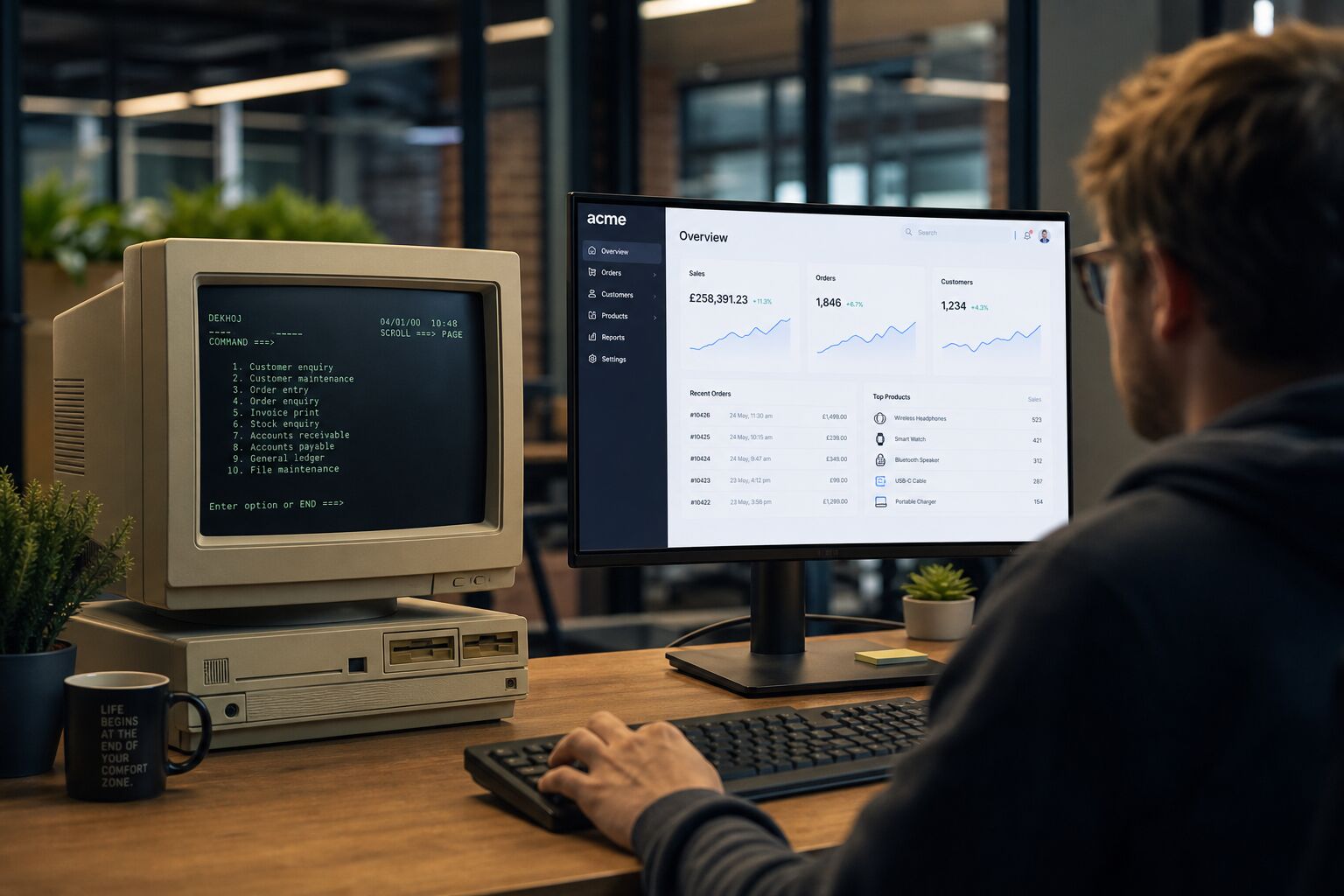
Why businesses stay on systems that are holding them back
Legacy systems are often business-critical. The risk of replacing them feels high. Data migration seems daunting. The system might be the only one that understands a 20-year-old data model. Your team knows it and is reluctant to change.
These concerns are valid. But they are also manageable with the right approach. The cost of staying on a legacy system grows every year, in maintenance overhead, security exposure, recruiting developers who can support ageing technology and the opportunities that cannot be pursued because the system cannot support them.
Warning signs your system needs modernisation
- The vendor has stopped supporting it or has gone out of business
- It cannot integrate with modern tools or APIs
- Only one or two people know how it really works
- Performance is degrading as data volumes grow
- Security vulnerabilities cannot be patched
- Running it requires old operating systems or hardware
- It cannot run in the cloud or support remote access
- Adding new features is disproportionately expensive
Replacing a system without losing its purpose
Leicester City Council's Highways Department needed to replace an ageing Access application while continuing to manage specialist roadworks processes. BSPOKE built Job Costing, a desktop application covering work orders, labour, costs and income, connected to a shared central database.
The starting point was the department's work, not a requirement to adopt a particular technology.
Modernisation is not always a full replacement
The right route depends on what still works, what can be supported and where the business needs to go. We assess the existing system before recommending a change.
Full rebuild
Rebuild when the current architecture or dependencies make further change impractical. Preserve useful business rules while improving the workflows that now need something different. A rebuild of that kind is custom software development.
Extend and integrate
Keep a useful core system and add the interfaces, connections or functionality it lacks. Systems integration may resolve the immediate problem without a complete replacement.
Data Migration
Agree what data must move, how it maps to the new system and how the results will be checked. Trial migrations and reconciliation help identify issues before cutover.
Cloud Migration
Assess whether different hosting or browser access would meet a real operational need. Desktop, web and cloud options each have implications for connectivity, support and cost.
A process built around your business
From initial conversation to long-term partnership, we keep things straightforward and transparent at every step.
Understand the current system
Review its workflows, data, reports and dependencies. Identify the rules your team relies on and the workarounds worth removing.
Agree a practical first phase
Define the priorities, scope and delivery approach. Make dependencies and assumptions visible before development starts.
Build and validate
Test representative workflows and migrated data with the people who use them. Plan how the existing operation will continue during development.
Prepare the changeover
Agree training, checks, responsibilities and appropriate fallback arrangements. Identify any expected interruption and plan support for the transition.
Plan the changeover around the work people depend on
Before changing a legacy application, identify the records, business rules, reports and integrations that still matter. Agree what needs to be retained, what can be improved and which users will confirm the replacement works for the business.
The transition plan should cover representative data checks, user acceptance, access, training and support. Where appropriate, assess a staged release, a period of parallel working and a recovery plan. The right approach depends on the system and the operational risks; interruption cannot be ruled out simply by choosing newer technology.
If the starting point is an Access application, our Microsoft Access replacement approach explains that decision in more detail. Keeping a useful application connected to other tools is covered by systems integration. The first-phase approach is described in how we work.
Assess automation while the system is changing
Modernisation is an opportunity to examine repetitive tasks and poor information flow. Some need a straightforward integration or clearer process; others may benefit from AI. We assess the data, the need for human review and the expected benefit before adding another dependency.
Our technology stack
We select the right technology for your project, not the easiest one for us. Every stack we deploy is modern, well-supported and chosen to give your software a long and maintainable life.